What you need to know about MFA
 By David Freeland3 min read ·
What is MFA?
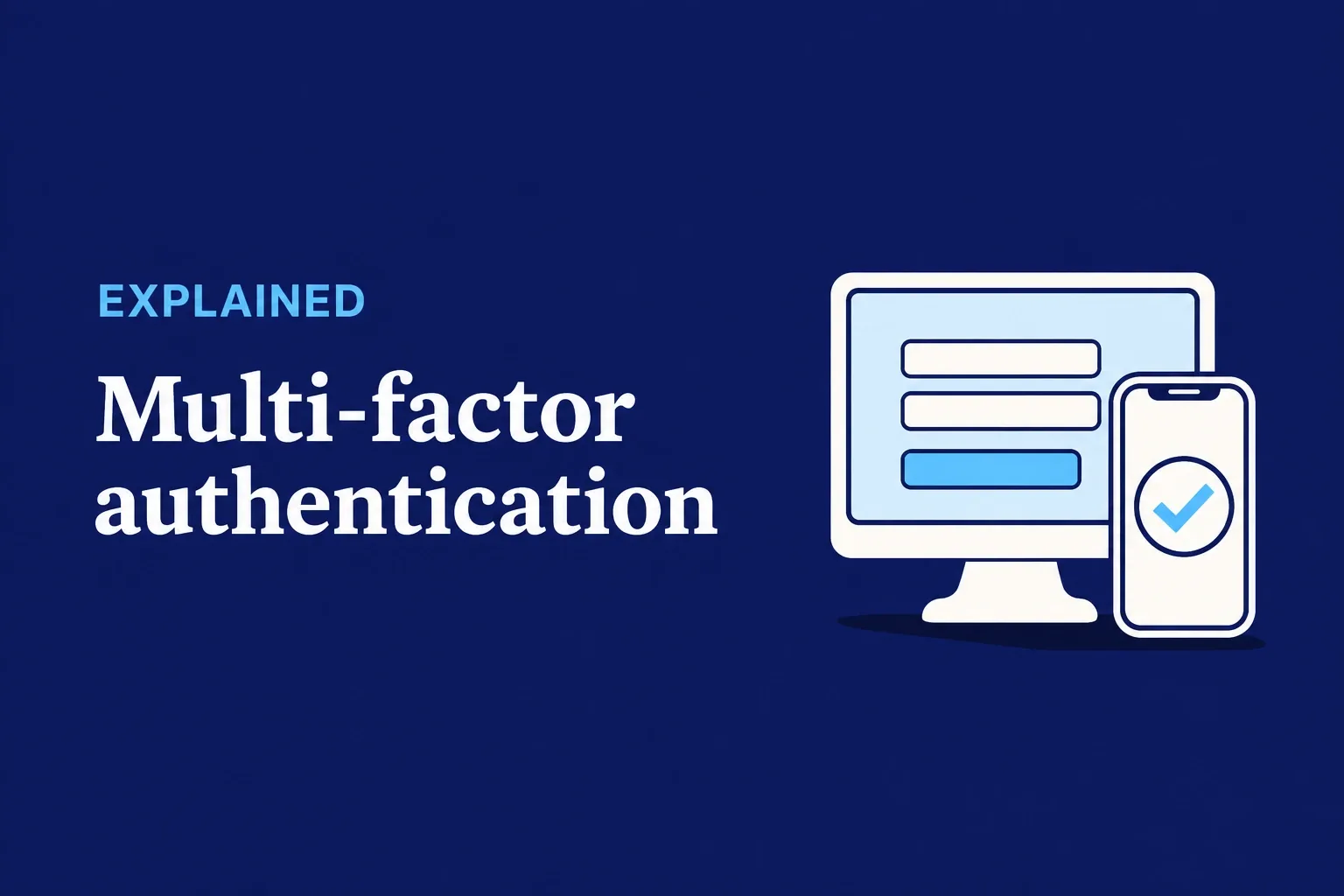
Multi-factor authentication (MFA) asks for two different kinds of proof before it lets you sign in. The federal Cybersecurity and Infrastructure Security Agency (CISA) lists three kinds:
- Something you know: a password or a PIN.
- Something you have: your phone, with an app or a text message.
- Something you are: a fingerprint or your face.
Think of the card you use at an ATM. Someone who finds your card still needs your PIN to take out cash. MFA works the same way. A stolen password still needs the second proof.
Why does it matter for my clinic?
Passwords get stolen. Fake sign-in pages collect them, and they leak when another website someone used gets hacked.
With MFA turned on, the password alone doesn’t open the account. Microsoft studied business accounts that showed signs of attack. It found MFA lowered the risk of an account being taken over by 99.22% (Microsoft’s own research, May 2023).
The U.S. Department of Health and Human Services (HHS) agrees. Its cybersecurity practices for small health care organizations say to set up MFA before anyone gets access to your email.
Which kind should we use?
Any kind is a big step up from a password alone. CISA puts it plainly: “any MFA is better than no MFA.”
Some kinds are stronger than others:
- Text message codes are common, but they’re the weakest kind on this list.
- An authenticator app on your phone is stronger. In Microsoft’s study, apps did better than text codes.
- Passkeys and security keys are the strongest. CISA calls them phishing-resistant, meaning they’re built to resist fake sign-in pages. It calls that kind “the standard all industry leaders should strive for.”
Use the strongest kind each account offers.
What can’t MFA stop?
MFA is one layer, not a wall. Some attacks go around it.
In May 2026, the FBI warned about a phishing kit called Kali365. It sends an email that looks like a file-sharing notice. The person is led to a real Microsoft page and asked to type in a code. Typing it hands the attacker a digital pass to the account. The attacker can then get into the person’s Microsoft 365 account “without needing a password or completing any additional MFA challenges.”
So MFA works best with two habits. Don’t approve a sign-in, or type in a code, that you didn’t start. And have your IT company watch for sign-ins that look wrong.
Does HIPAA require MFA?
Not by name, today. But that doesn’t make it optional.
The HIPAA Security Rule requires you to check that a person signing in to patient information “is the one claimed.” It lets you choose how, based on your clinic’s size, costs, and risks. That flexibility is why you’ll hear MFA called “addressable.”
Addressable doesn’t mean optional. HHS says it plainly: an addressable safeguard “is not optional.” If you decide one isn’t reasonable for your clinic, you have to write down why. Then you have to put an equal alternative in place, if a reasonable one exists.
For MFA, that’s a hard case to make. Stolen passwords are the exact risk MFA is built for. And HHS’s own guide for small practices puts it first for email.
In January 2025, HHS proposed a change to the Security Rule that would require MFA by name, with limited exceptions. It would also remove the difference between “required” and “addressable” safeguards. It’s still a proposal. The federal list of upcoming rules shows final action planned for July 2027. Until then, HHS says, the current Security Rule stays in effect.
What should I do now?
- Start with email. Turn on MFA for every clinic email account.
- Then the rest. Add it to the EHR, banking and payroll, and any way into your network from outside the clinic.
- Choose the strongest kind. Pick an authenticator app or a passkey over text codes wherever you can.
- Ask your IT company to require MFA on every account and to tell you when a sign-in looks wrong.
A few minutes of setup per account gives each one a second lock.
Last reviewed November 19, 2026.
References & statutory citations
- Cybersecurity and Infrastructure Security Agency (CISA): More than a Password (multifactor authentication; undated; viewed November 19, 2026). (opens in a new tab)
- Microsoft: How effective is multifactor authentication at deterring cyberattacks? (Meyer, Romero, Bertoli, Burt, Weinert, and Lavista Ferres, May 2023; Microsoft’s own research). (opens in a new tab)
- U.S. Department of Health and Human Services (HHS), 405(d) Program: Technical Volume 1: Cybersecurity Practices for Small Health Care Organizations, Cybersecurity Practice #1, Sub-Practice 1.S.A (2023 edition). (opens in a new tab)
- Federal Bureau of Investigation (FBI), Internet Crime Complaint Center: Kali365 Phishing-as-a-Service Kit Hijacks Microsoft 365 Access Tokens (PSA I-052126-PSA, May 21, 2026). (opens in a new tab)
- Electronic Code of Federal Regulations: 45 CFR 164.312(d), Person or entity authentication (up to date as of July 9, 2026). (opens in a new tab)
- Electronic Code of Federal Regulations: 45 CFR 164.306(b) and (d)(3), Security standards: General rules (up to date as of October 23, 2026). (opens in a new tab)
- U.S. Department of Health and Human Services, Office for Civil Rights: HIPAA Security Rule guidance on risk analysis (guidance page; content last reviewed August 12, 2026). (opens in a new tab)
- U.S. Department of Health and Human Services, Office for Civil Rights: HIPAA Security Rule Notice of Proposed Rulemaking to Strengthen Cybersecurity for Electronic Protected Health Information, fact sheet (December 27, 2024). (opens in a new tab)
- Office of Information and Regulatory Affairs, Unified Agenda: HIPAA Security Rule to Strengthen the Cybersecurity of Electronic Protected Health Information (RIN 0945-AA22; NPRM January 6, 2025, 90 FR 898; final action July 2027). (opens in a new tab)