Is sharing passwords a HIPAA violation?
 By David Freeland4 min read ·
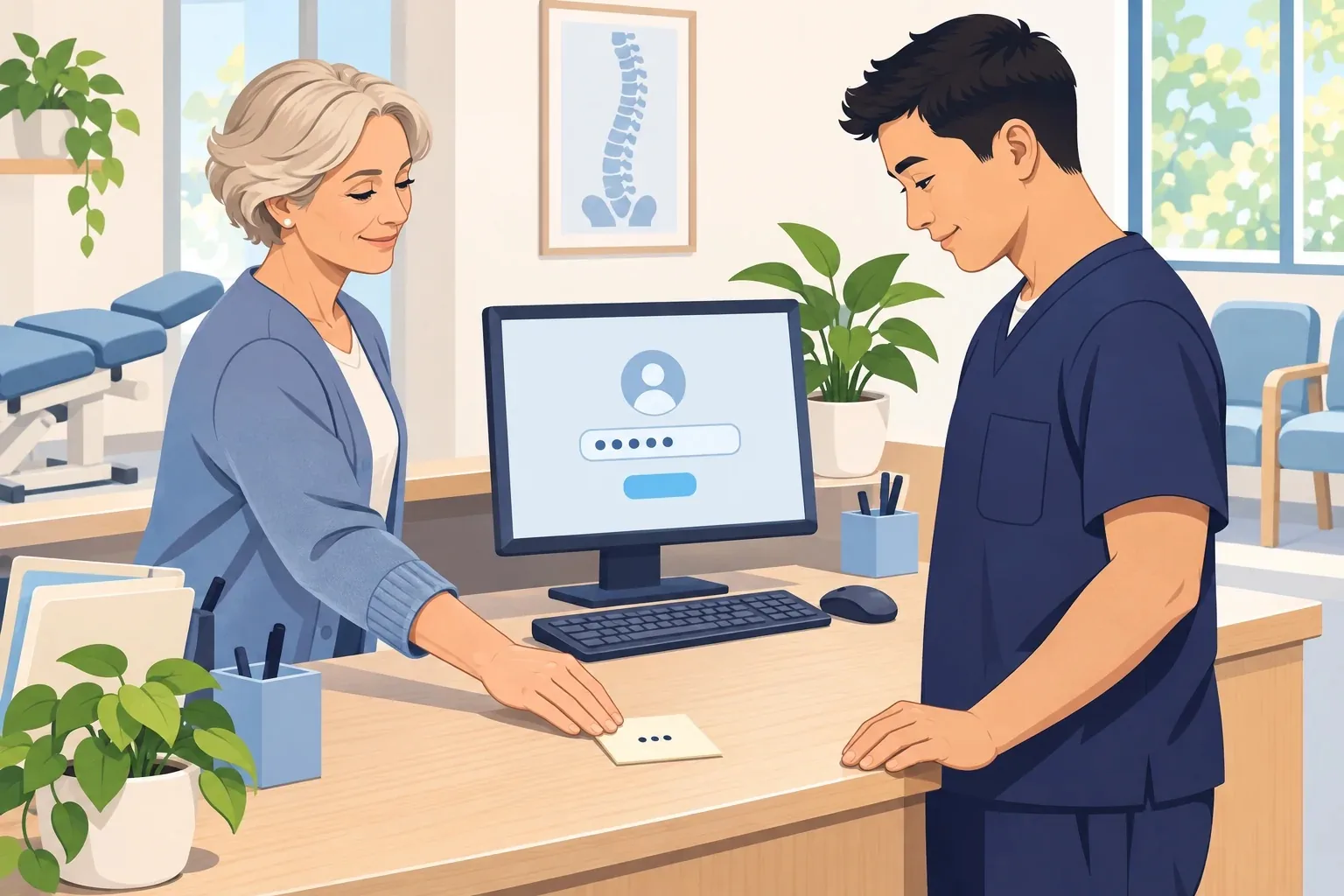
The visit she never had
A patient calls with a question about her explanation of benefits, often called an EOB. It’s the statement her insurance company sends after a claim. It lists a visit on October 21. She wasn’t in your clinic that day.
You look it up, and she’s right. Someone on your team entered that charge by mistake. You fix the claim. Then you try to find out how it happened.
Your EHR’s activity log shows who entered the charge: “staff.” Four people sign in as “staff,” and three of the four worked October 21.
So you can’t answer the question of who entered it. Without that answer, you can’t show anyone what went wrong, or make it less likely to happen again.
One company card, four people swiping
Picture your whole team sharing one company credit card. The statement lists every charge, with the store, the time, and the amount. What it can’t show is whose hand swiped the card.
A shared login has the same blind spot. Your EHR and email keep a record of each sign-in and what happened next. With a shared login, every line in that record carries the same name. HHS says shared logins remove accountability from the people who use them.
That leaves your clinic with two problems:
- You can’t prove who did what. HHS notes that when information is entered, changed, or deleted, by mistake or on purpose, a shared login can make it very hard to find the person responsible. A wrong charge is an honest mistake a little training would fix, once you know who needs it.
- You can’t rebuild what happened. Say someone clicks a link in an email and types the “staff” password into a look-alike sign-in page. Now an attacker has it, too. Activity logs can help show how the attacker got in and what they opened. But when every line says “staff,” you can’t tell the attacker’s activity from your team’s. You may not even know who clicked.
Separate logins protect your team, too. When something goes wrong, the record points to one person instead of leaving everyone under suspicion.
Why you need a name on every login
The HIPAA Security Rule builds on one idea: activity in a system with patient information should trace back to a person.
- 45 CFR § 164.312(a)(2)(i), marked “Required,” says to assign “a unique name and/or number for identifying and tracking user identity.”
- 45 CFR § 164.312(b) calls for audit controls, meaning tools that log activity in systems that hold electronic patient information and let you look back at it.
- 45 CFR § 164.308(a)(1)(ii)(D) requires regular review of those records, such as audit logs.
- 45 CFR § 164.308(a)(6)(ii) requires your clinic to identify and respond to security incidents, and to document them and their outcomes.
The breach rule raises the stakes. Under 45 CFR § 164.402, if patient information is viewed in a way HIPAA doesn’t allow, HIPAA treats it as a breach. The exception is when your clinic can show there’s little chance the information was exposed or misused. Making that case means weighing a few factors, and one of them is who used the information. If the log only says “staff,” you can’t name that person.
A real case shows the difference a name makes. In May 2025, HHS settled with BayCare Health System in Florida for $800,000. A patient reported that a stranger had reached out to her with paper copies of her chart, plus a video of it on someone’s screen. HHS found the login belonged to someone who used to work at a physician’s practice with access to BayCare’s records. Among the potential violations HHS listed: not regularly reviewing records of system activity.
Three steps to a record you can trust
- Find every shared login: List each system that holds patient information, like your EHR, email, and insurance portals. Next to each one, write who signs in and with which login. Any login more than one person uses goes on the list to fix.
- Give each person their own: Set up a login in each person’s name on every system on that list. A shared front desk inbox can stay. In Microsoft 365, each person opens it from their own account, and Microsoft says to block direct sign-in to the shared one.
- Ask your IT company about the logs: Ask, “Are activity logs turned on for our EHR and email, and who reviews them?” HIPAA calls for regular review. If something ever happens, those logs are how you rebuild it.
The next time a charge looks wrong or a link gets clicked, your records can answer with a name.
Disclaimer: This guide shares general information about HIPAA. It isn’t legal advice. For advice about your clinic, talk with a compliance professional or a lawyer who knows healthcare law.
Last reviewed November 9, 2026.
References & statutory citations
- U.S. Department of Health and Human Services (HHS): 45 CFR Part 164 Subpart C — Security Standards for the Protection of Electronic Protected Health Information (§§ 164.308(a)(1)(ii)(D), 164.308(a)(6)(ii), 164.312(a)(2)(i) and 164.312(b); eCFR, up to date as of October 23, 2026). (opens in a new tab)
- Maryland Insurance Administration: Explanation of Benefits (consumer page, no date shown). (opens in a new tab)
- U.S. Department of Health and Human Services (HHS): Summer 2021 OCR Cybersecurity Newsletter: Controlling Access to ePHI: For Whose Eyes Only? (Office for Civil Rights, July 14, 2021). (opens in a new tab)
- U.S. Department of Health and Human Services (HHS): October 2022 OCR Cybersecurity Newsletter: HIPAA Security Rule Security Incident Procedures (Office for Civil Rights, October 24, 2022). (opens in a new tab)
- U.S. Department of Health and Human Services (HHS): 45 CFR Part 164 Subpart D — Notification in the Case of Breach of Unsecured Protected Health Information (§ 164.402, Breach; eCFR, up to date as of October 22, 2026). (opens in a new tab)
- U.S. Department of Health and Human Services (HHS): HHS Office for Civil Rights Settles HIPAA Security Rule Investigation with a Florida Health Care Provider (press release, May 28, 2025). (opens in a new tab)
- Microsoft: About shared mailboxes (Microsoft Learn, last updated March 13, 2026). (opens in a new tab)