What to do if you clicked a phishing link
 By David Freeland3 min read ·
The passwords that waited
This is a real case. We changed some details so no one can be identified.
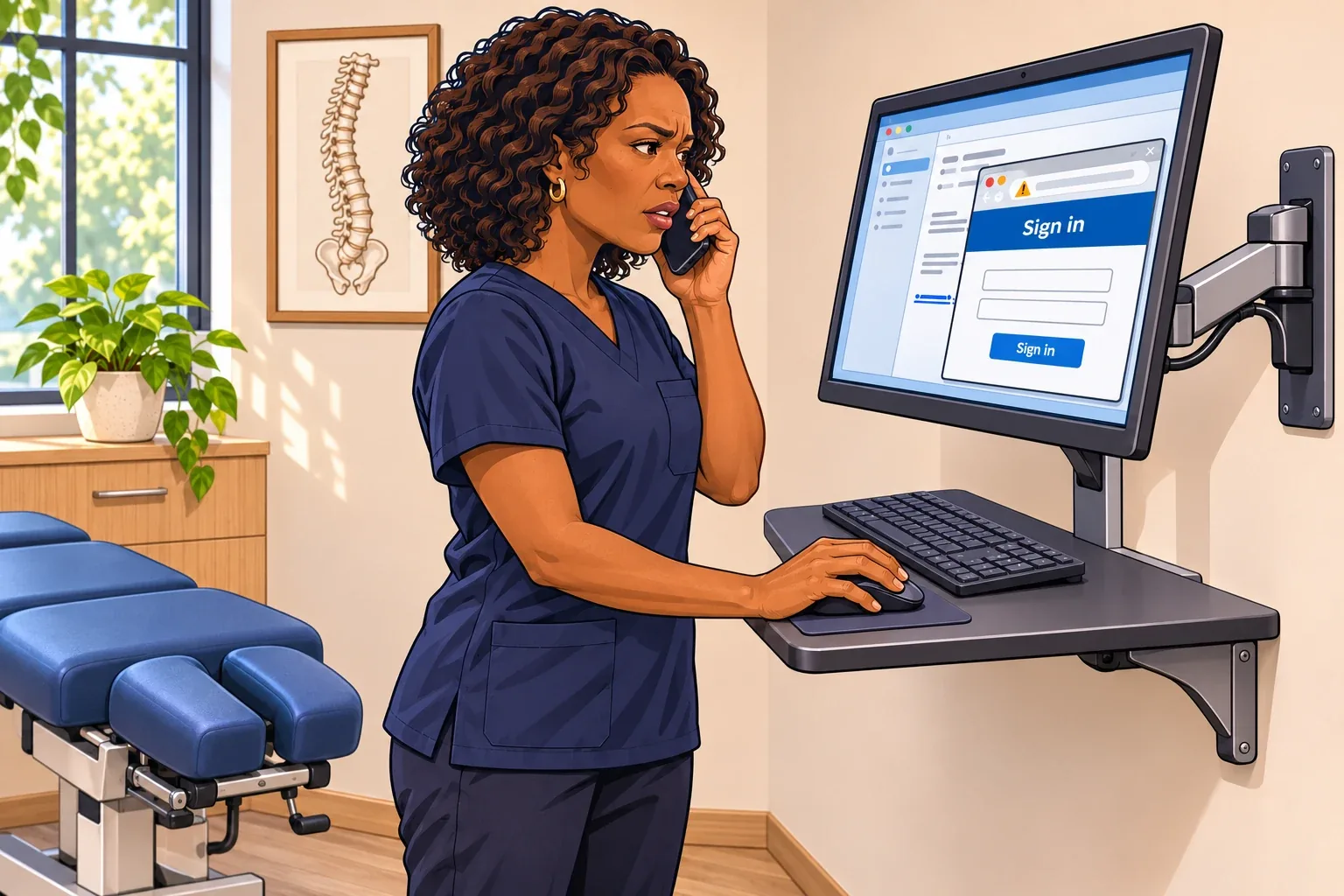
A doctor who owns a clinic opened an email that looked routine and clicked its link. Later, her computer stopped acting right, so she asked her IT company to take a look.
Until then, her IT company didn’t know that computer existed, which meant the computer wasn’t protected. They found a program she didn’t install. It let someone outside the clinic control her computer, including her webcam and microphone. It also stole the passwords out of her web browser. When her IT company asked her about it, she remembered the email.
Her IT company asked her to change her passwords right away, from her phone, not the computer. The password changes didn’t become a priority.
Two days later, she called back. Someone had taken out a loan for thousands of dollars in her name. Her stolen passwords had let the attackers into her financial accounts and her personal data. From there, they applied for the loan.
Two things let this happen. First, the computer was unknown and unprotected. If her IT company had known about it and protected it, the attack likely would have been stopped before it did any harm. Second, the passwords waited. That gave the attackers time to use what they stole.
A phishing email is a scam made to look like a real message. Clicking is common. In phishing tests run by CISA, the federal cybersecurity agency, 84% of employees fell for the email within 10 minutes. Only 13% reported it. That second number is the one your clinic can change.
Your next few hours, step by step
- Tell your IT company right away. Call. Don’t wait to see whether anything happens. Say what you clicked and when. CISA puts it this way: “A no-blame culture promotes quick action and reduces the chance of widespread damage.” If you own the clinic, make sure your team knows it’s safe to speak up the moment they think they’ve made a mistake.
- Don’t sign in to anything on that computer. The FTC’s advice is to quit logging in to online accounts right away on a computer that may have harmful software on it. Leave it for your IT company to look over. If patient information was on that computer, HIPAA expects your clinic to respond to the incident and to document it. Your IT company can help you sort out what was at risk.
- Change your passwords from a different device, right away. Australia’s government cyber agency warns that some harmful software can capture every key you press, so the next password you type on that computer could be stolen too. The FTC says to use a different computer to change your passwords. A phone works. Start with your email, because password reset links go there. Then do your bank and card accounts, then your EHR, insurance portals, and anything saved in your web browser.
- Sign out everywhere and turn on MFA. Where an account offers it, use the option to sign out everywhere. That can end a session an attacker already has open. Then set up multi-factor authentication (MFA) on every account that offers it. MFA asks for one more proof that it’s really you.
- Check your email settings and warn your contacts. Look for forwarding rules you didn’t create. The FTC’s advice: if you didn’t make a rule, delete it. Confirm the recovery email and phone number are still yours. Then tell your contacts not to click links in emails that seem to come from you.
- Protect your money and your name. Watch your bank and card statements for charges you don’t recognize. If your personal information may have been taken, freeze your credit with all three credit bureaus. The FTC says a freeze costs nothing and won’t hurt your credit score. While it’s in place, no one can use your name to open a credit account. If someone already has, go to IdentityTheft.gov for the steps.
Before the next click, give your IT company a full list of the computers your team uses for clinic work, including laptops that go home. A computer it knows about is one it can protect.
A click takes a second. The next few hours decide what it costs.
General information, not legal advice.
Last reviewed November 24, 2026.
References & statutory citations
- CISA: Actions to Help Prevent Being Hooked in a Phishing Attack (infographic; findings from CISA assessments; no date shown). (opens in a new tab)
- CISA: Protect Government Services: Phishing Training (written for state, local, tribal, and territorial governments; no date shown). (opens in a new tab)
- Federal Trade Commission: How To Recognize, Remove, and Avoid Malware (April 2025). (opens in a new tab)
- Code of Federal Regulations: 45 CFR § 164.308(a)(6)(ii), Response and reporting (revised as of October 1, 2025). (opens in a new tab)
- Australian Cyber Security Centre (Australian Government): How to detect and remove malware from your device (cyber.gov.au; no date shown). (opens in a new tab)
- Federal Trade Commission: Protect Your Computer from Malware (no date shown). (opens in a new tab)
- Federal Trade Commission: How To Recover Your Hacked Email or Social Media Account (August 2023). (opens in a new tab)
- Federal Trade Commission: What To Know About Credit Freezes and Fraud Alerts (August 2025). (opens in a new tab)
- Federal Trade Commission: How To Recognize and Avoid Phishing Scams (last modified October 11, 2024). (opens in a new tab)