Why talk to your IT company before buying technology
 By David Freeland3 min read ·
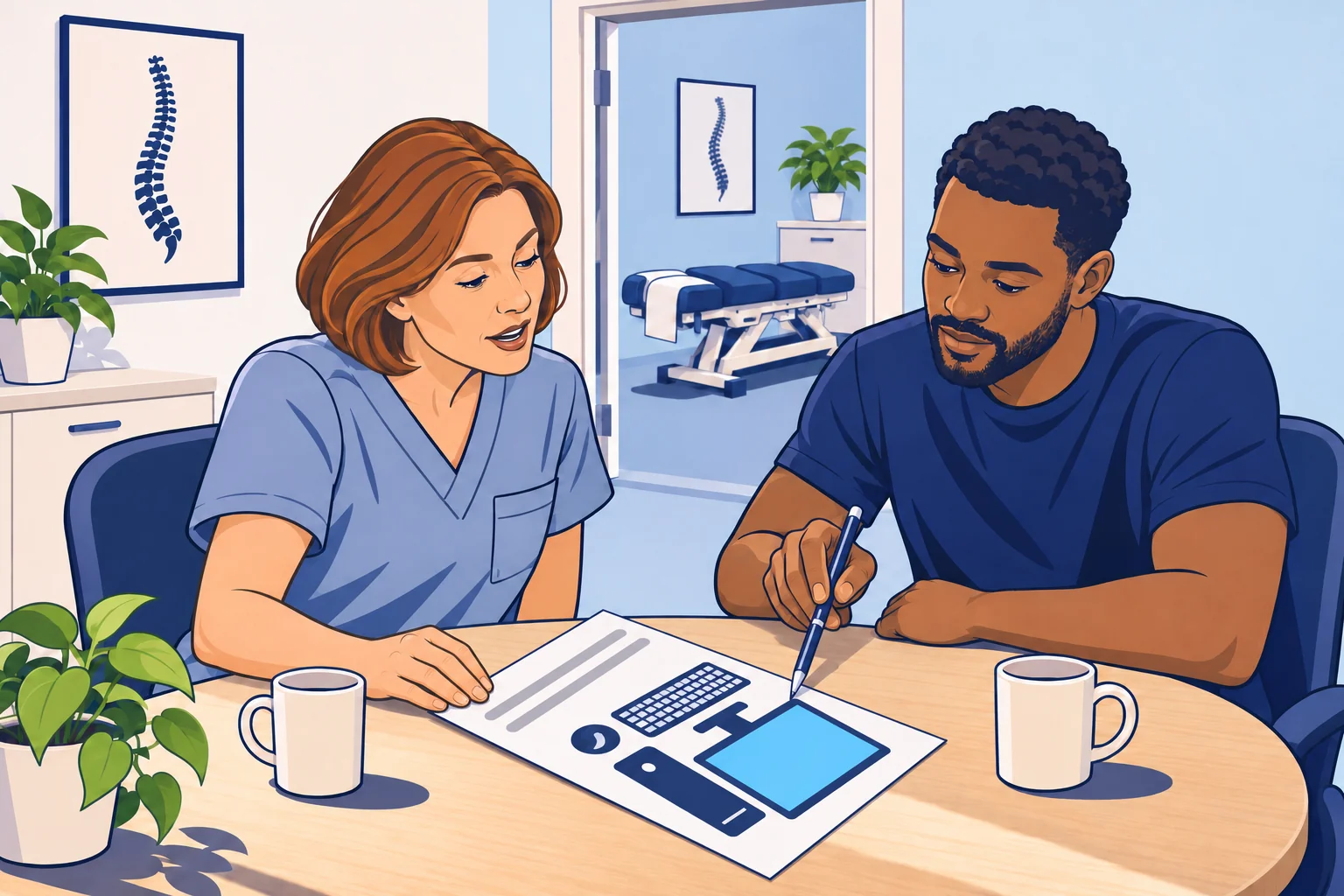
The printer that almost works
Have you ever bought a printer for your clinic, only to find it didn’t do what you wanted? Maybe it prints too slowly. Maybe it scans slowly too, and only one side at a time. To get both sides, someone has to flip the stack and scan it again.
Now you have two choices. Return it and risk the same thing with another one. Or keep it, and your team works around it every day.
Neither choice feels good. And often, your IT company hears about that printer for the first time when something goes wrong with it.
Your IT company has seen this before
Your IT company supports many other businesses, and many of them are a lot like yours. Over the years, it sees which computers, printers, and scanners hold up. It also sees which ones cause trouble.
It knows your software, too. What works well in one office can be the wrong choice in another that runs different software. Take the server-based version of ChiroTouch. Its official documentation lists network printers and scanners, touchscreens, and Surface tablets as not supported. Some of these may still work, but they’re outside what ChiroTouch supports. It also warns that its programs may show errors on monitors set sharper than 1920 × 1080. Any of those could be a fine choice for the dental office down the street.
Think of a patient who asks you about a pillow before buying one. You’ve seen what helps many patients, and you know this patient’s neck. The pillow a friend loves might be the wrong one for them. Your IT company can do the same for your clinic’s technology.
Simple to manage from the start
Asking first also helps your IT company look after what you buy.
Take a laptop from a store. It may come with Windows 11 Home, the edition made for home use. One way an IT company manages clinic computers is through Microsoft’s business sign-in, called Microsoft Entra join. It lets the IT company turn on encryption, which scrambles the computer’s files, and keep its software updated. Microsoft says it works on Windows 11 and 10 computers “except Home editions.” So a good deal at the store may need an upgrade before it fits in at your clinic.
Federal guidance points the same way. A cybersecurity guide for small health care practices from the U.S. Department of Health and Human Services (HHS) says to add each device to your list of equipment as soon as you get it. It even suggests giving that job to “the purchaser.” When you tell your IT company before you buy, it can add the device to that list and set it up before your team uses it.
What to do before your next purchase
You don’t have to know which model to buy. That’s your IT company’s job. A short note before you order is enough.
- Ask before you order. Send your IT company a link or the model you’re looking at. Ask what they’d recommend, and why.
- Say what it has to do. Tell your IT company who will use it, what software it has to work with, and what frustrates your team about the one you have now. The more they know, the better the fit.
- Have it set up first. Ask your IT company to set it up before your team starts using it. Then it’s on the list and ready to work with your software on day one.
A short talk before you buy gets your team technology that works the way they do.
Last reviewed November 15, 2026.
References & statutory citations
- ChiroTouch: ChiroTouch System Requirements (effective September 30, 2025; viewed November 15, 2026). (opens in a new tab)
- Microsoft: Microsoft Entra joined devices (Microsoft Learn, updated April 28, 2026). (opens in a new tab)
- U.S. Department of Health and Human Services (HHS), 405(d) Program: Technical Volume 1: Cybersecurity Practices for Small Health Care Organizations, Cybersecurity Practice #5: Asset Management (2023 edition). (opens in a new tab)