Is it safe to save passwords in your web browser?
 By David Freeland3 min read ·
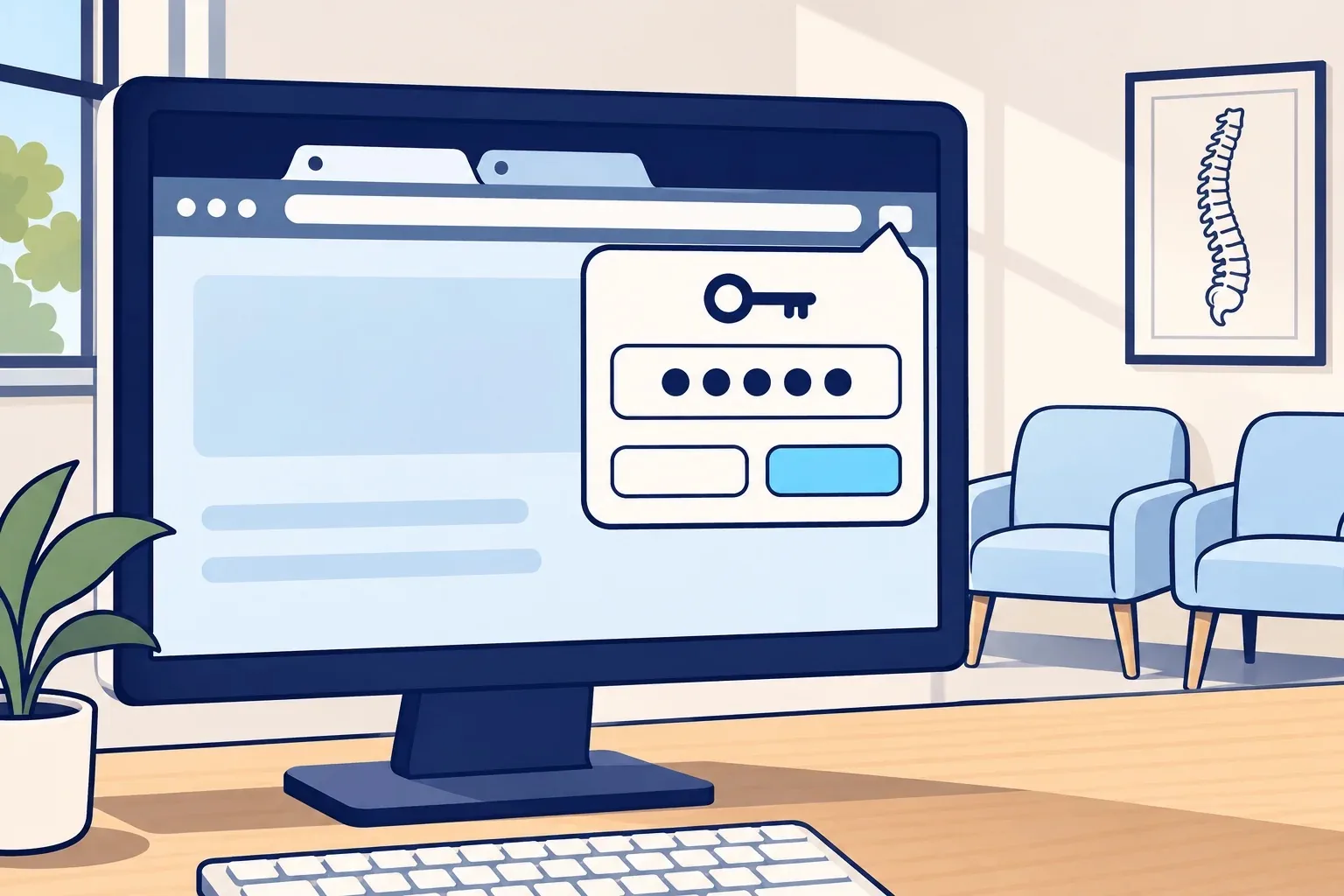
The front-desk routine
Between checking in patients, verifying insurance, processing payments, and managing your two-way patient texting software, your front-desk staff logs into dozens of portals every single day.
When Google Chrome, Microsoft Edge, or Safari pops up a prompt in the corner asking, “Save password for this site?”, saying yes seems harmless. It gets rid of sticky notes and saves precious seconds when patients are standing in line.
The problem is simple: web browsers were designed for consumer convenience, not healthcare security.
How “infostealers” grab saved logins
Many clinic owners assume that because Windows requires a PIN or password at boot, everything inside the browser is locked up tight. That is not how browser password storage works.
- Predictable file paths: Browsers store saved credentials, autofill data, and active session cookies in standardized database files directly inside the computer’s user directory.
- Automated decryption: The key used to encrypt those browser files belongs to the currently logged-in desktop user. If a team member accidentally opens a malicious invoice or clicks a disguised link, malware—specifically classified as an infostealer—runs inside that same user profile.
- Extraction in seconds: The malware does not need administrator rights or your master Windows password. It reads the local browser database, calls the system to decrypt the data, and sends every username, password, and active login token to the attacker in seconds. Chrome added a lock in 2024 to make this harder. Within weeks, infostealers found ways around it.
If your EHR, clearinghouse, or Microsoft 365 logins were stored in that browser, whoever holds those credentials now holds direct access to your patients’ health records.
What HIPAA says about it
Under the HIPAA Security Rule (45 CFR § 164.312(a)(1)), covered entities are legally required to implement technical access controls that restrict system access solely to authorized individuals.
Furthermore, 45 CFR § 164.308(a)(1)(ii)(B) mandates risk management: actively reducing vulnerabilities to reasonable, appropriate levels.
If someone opens patient charts with a stolen login, HIPAA presumes it’s a breach. Unless the clinic can show a low chance the records were compromised, it has to notify patients and HHS. It may also face civil penalties.
The fix: keep passwords out of the browser
Securing your logins without frustrating your front-desk staff requires three straightforward changes:
- Use a dedicated business password manager: Tools like NordPass Business or 1Password keep every password locked behind a master password that’s never saved in the browser. That makes them much harder for an infostealer to grab.
- Turn off browser password prompts: Ask your IT company to disable the “Offer to save passwords” popup across every computer in the practice so nobody is forced to make that security call.
- Turn on multi-factor authentication (MFA): A stolen password alone isn’t enough to sign in. MFA asks for a second check, like a code or a tap on an approved phone. It can’t block a stolen login token, so it works best alongside the two steps above.
Your staff shouldn’t have to memorize dozens of complex passwords to do their jobs, but the web browser should never be the vault where those keys live.
Last reviewed November 9, 2026.
References & statutory citations
- U.S. Department of Health and Human Services (HHS): 45 CFR Part 164 Subpart C — Security Standards for the Protection of Electronic Protected Health Information (Technical Safeguards: Access Control, § 164.312(a)(1)). (opens in a new tab)
- National Institute of Standards and Technology (NIST): Special Publication 800-66 Rev. 2: Implementing the Health Insurance Portability and Accountability Act (HIPAA) Security Rule. (opens in a new tab)
- Google Security Blog: Improving the security of Chrome cookies on Windows (Will Harris, Chrome Security Team, July 30, 2024). (opens in a new tab)
- U.S. Department of Health and Human Services (HHS): 45 CFR Part 164 Subpart D — Notification in the Case of Breach of Unsecured Protected Health Information (Definitions: Breach, § 164.402). (opens in a new tab)