The HIPAA risk of using personal phones for work
 By David Freeland4 min read ·
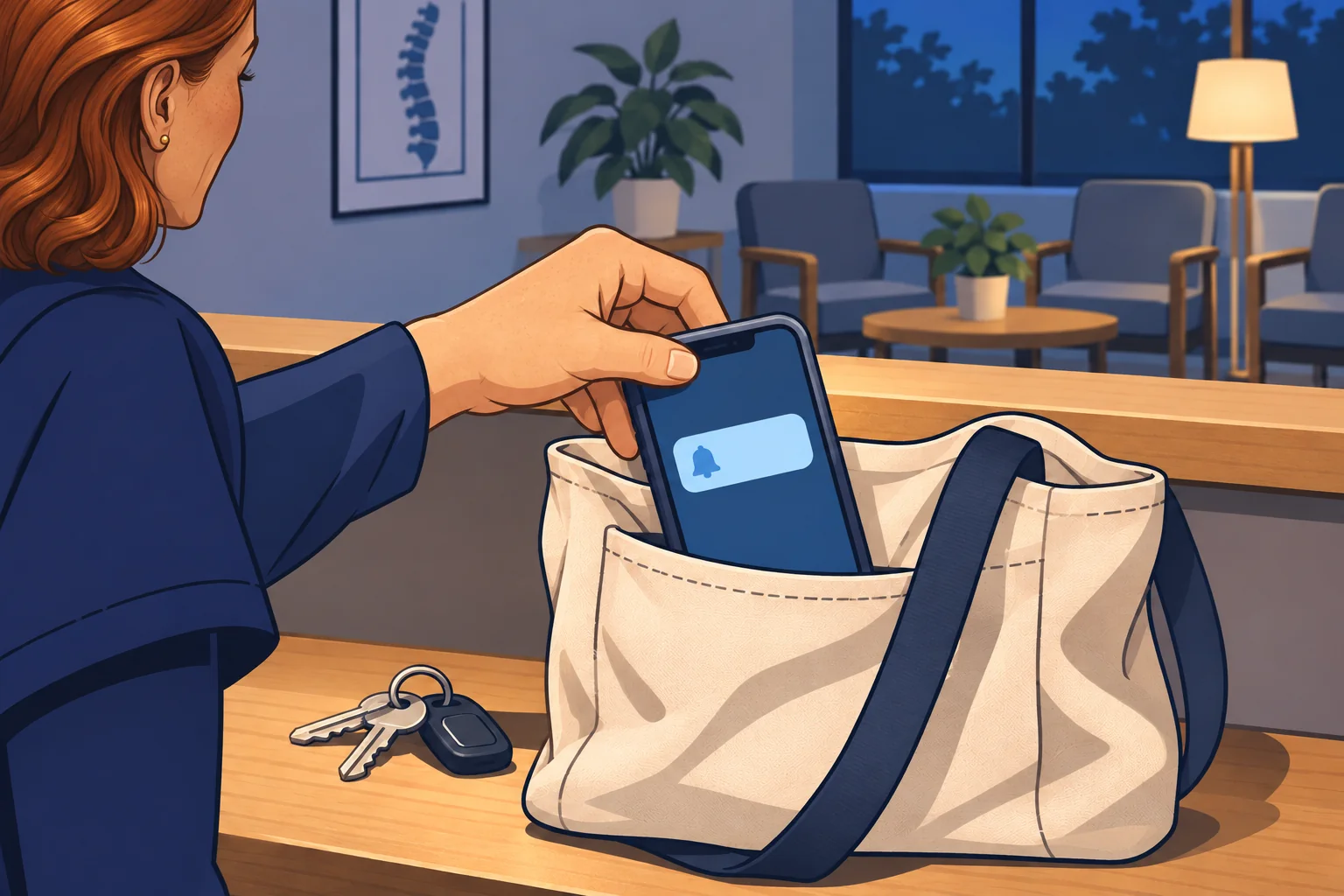
Day one, and a phone of her own
It’s the first day for your clinic’s latest hire, a patient care coordinator. At lunch in the break room, she asks how to get clinic email and the EHR app on her phone. She wants to keep up with messages after hours.
It’s a kind offer. But it’s her phone, not the clinic’s. No one at your clinic knows whether it locks with a passcode, when it last got an update, or what else is installed on it. Your IT company hasn’t seen it.
Say yes today, and patient information and the logins that open it will live on that phone. If it’s lost or stolen, or picks up harmful software, the clinic may never know.
Why a personal device carries more risk
Think back to paper charts. They were stored in locked cabinets or the room-sized filing systems only your staff had access to. Opening the EHR on a personal phone is a little like letting staff take those charts home in their own bag. Most people would be careful. But the clinic couldn’t see where the bag went or who opened it. If someone else copied a few pages, the clinic would have no way to tell.
A clinic computer gets updates, security tools, and someone watching it. A personal phone or home computer gets whatever its owner sets up. It’s often shared with family. It holds saved passwords for personal and work accounts side by side.
That mix matters. Some malware, or harmful software, is built to copy the saved passwords on a device. In its 2025 breach report, Verizon studied the records this kind of malware leaves behind. Of the infected devices that held work logins, 46% weren’t managed by an employer, and they held both personal and business passwords. Verizon says these were most likely personal devices used for work, or work devices used outside company rules. And phones go missing. HHS notes that mobile devices are “at a greater risk of being lost or stolen.”
A business account gives your clinic some control back, without taking over anyone’s phone:
- Require a screen lock. Your clinic’s Google Workspace administrator can require a passcode or screen lock on phones that open clinic email and files, and block phones that don’t follow the rules.
- Erase clinic data, not family photos. An administrator can wipe the clinic’s account from a personal phone when someone leaves. Their personal data and apps stay on the phone.
- Keep clinic data apart from personal apps. Depending on your plan, Google Workspace can turn off copying clinic email and files into personal apps on an iPhone. On Android phones, it can keep clinic apps in a separate work profile.
The rules for devices your clinic doesn’t own
HIPAA doesn’t ban personal devices. It asks your clinic to understand the risk and reduce it:
- 45 CFR § 164.308(a)(1)(ii)(A) is the risk analysis rule. Your clinic has to study the risks to the patient information it holds, wherever that information is. In its October 2017 cybersecurity newsletter, HHS’s Office for Civil Rights said clinics that allow personal mobile devices must include them in that study.
- 45 CFR § 164.308(a)(1)(ii)(B) is the risk management rule. Once you know the risks, you take steps that shrink them to a level that’s “reasonable and appropriate.” That newsletter applies this rule to personal devices, too.
- 45 CFR § 164.310(c) requires physical safeguards for every workstation that reaches patient information. HIPAA defines a workstation as a laptop, a desktop “or any other device that performs similar functions.”
If your clinic doesn’t allow personal devices for patient information, HHS says that rule should be written down and enforced.
Decide, then protect what you allow
- Decide, and write it down: Choose whether personal phones and home computers may open the EHR, email, or patient files. If they may not, put it in writing and hold to it. If they may, list who, on which devices, and for which apps.
- Bring each device under your business account: Have your IT company set up your business account so every personal phone that opens clinic data needs a screen lock, and clinic data can be erased from it. Phones that don’t meet the rules can be blocked.
- Count them in your risk analysis: Add each personal device that reaches patient information to your clinic’s risk analysis, with the steps you took to protect it. Update the list when someone replaces a phone or moves on.
- Give home work a clinic computer: If someone charts from home often, a clinic laptop your IT company manages carries less risk than a family computer.
Every phone that opens patient information is part of your clinic, whoever paid for it. Protect it like one, and your clinic carries less risk.
Disclaimer: This guide shares general information about HIPAA. It isn’t legal advice. For advice about your clinic, talk with a compliance professional or a lawyer who knows healthcare law.
Last reviewed November 11, 2026.
References & statutory citations
- U.S. Department of Health and Human Services (HHS), Office for Civil Rights: Mobile Devices and Protected Health Information (PHI) (OCR Cybersecurity Newsletter, October 2017). (opens in a new tab)
- Verizon: 2025 Data Breach Investigations Report: Healthcare Snapshot (2025; incidents from November 1, 2023, through October 31, 2024). (opens in a new tab)
- Google: Compare mobile management features (Google Workspace Help, last updated October 26, 2026). (opens in a new tab)
- Google: Wipe corporate data from a device (Google Workspace Help, last updated October 26, 2026). (opens in a new tab)
- Google: Prevent accidental data leaks on iOS devices (Google Workspace Help, last updated November 9, 2026). (opens in a new tab)
- U.S. Department of Health and Human Services (HHS): 45 CFR Part 164 Subpart C — Security Standards for the Protection of Electronic Protected Health Information (§§ 164.304, 164.308(a)(1)(ii)(A)–(B) and 164.310(c); eCFR, current text, opened November 11, 2026). (opens in a new tab)