Cloud-based EHR vs. server: which is safer?
 By David Freeland5 min read ·
The box in the closet
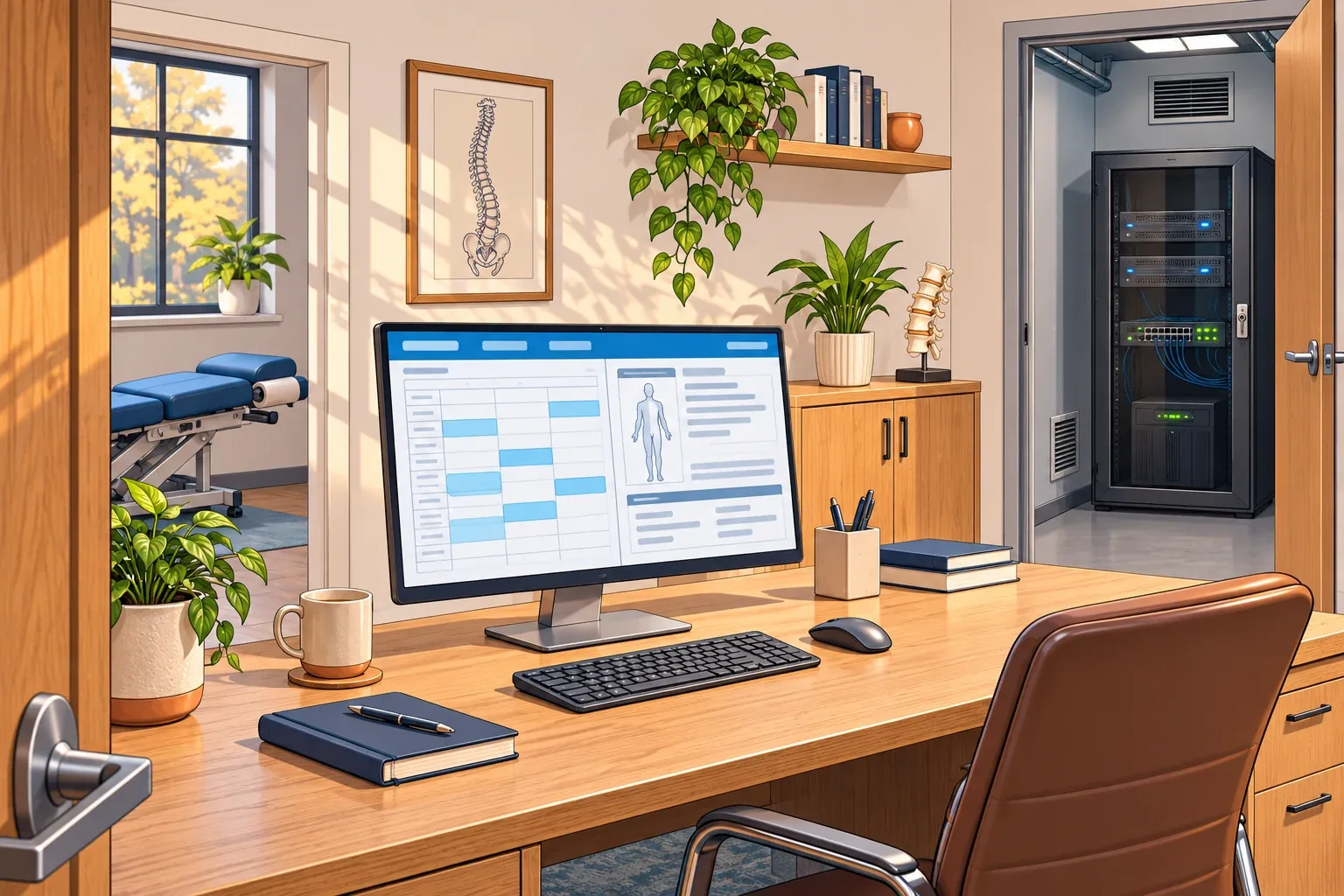
The server that runs your EHR sits in a closet down the hall, next to the internet router. For years, it has held every visit, every note, and every claim for all of your patients. Most days, nobody gives it a thought.
Then your IT company sends a note. Your server runs Windows Server 2016, and Microsoft’s security updates for it end in January 2027. You have two paths. Replace the server, or move to your EHR company’s cloud version.
Your first question is a fair one: which is safer?
The honest answer is that neither one is safer on its own. CISA, the government’s cyber defense agency, lists stolen logins and fake emails, called phishing, among the ways ransomware gets in, and those work the same either way. What changes is who owns which part. The better question is which parts are yours, and who is managing them.
Where the risk goes
Think of the difference between a safe in your home and a bank vault.
A home safe is yours. You hold the key, and you decide who opens it. You also guard it. If the lock fails or the basement floods, that’s on you.
A bank guards its vault for you. But you can’t reach your money when the bank’s system is down. Anyone with your card and PIN, or your online banking password, can get to your money as you. And if the bank gets robbed, every customer feels it.
Your EHR choice follows the same pattern.
A server in your clinic
- What you gain: control. Your patient records stay in your building, you decide when updates go in, and your team can often keep working in the EHR when the internet is down.
- What you take on: the upkeep. Someone has to install security updates, replace the server before its software runs out of support, keep backups somewhere else, and lock the room. Remote access needs care, too. CISA says attackers often get in through “exposed and poorly secured remote services.”
A cloud EHR
- What you gain: the EHR company takes over running, securing, and updating its servers. There’s no server for you to keep up, and your team can reach the EHR from home or a second office.
- What you take on: keeping your network and access secure. Someone has to watch the devices that open the EHR, plus every user account and login. In fairness, that should happen with a server too.
- What you depend on: the internet and the EHR company. When either one is down, so is your EHR. And when an EHR company is attacked, many clinics feel it at once.
- What comes home with it: a cloud EHR can often be opened from any computer with a working login. That might be a family laptop that’s months behind on updates and has no security software. Your clinic’s IT company doesn’t manage that laptop, but from it, your patients’ records are a sign-in away.
The risk of an attack on the EHR company is real. In March 2026, CareCloud, a cloud EHR company serving over 45,000 providers, found that a hacker had gotten into one of its six EHR environments. Its systems were partly disrupted for about 8 hours, and the company said data was likely taken. HIPAA Journal reports the breach affected more than 3.7 million people.
The National Security Agency (NSA) warns that cloud customers often wrongly assume the provider handles important parts that really belong to the customer. Moving to the cloud doesn’t move all of the risk.
What HIPAA expects either way
HIPAA doesn’t pick a side. The same rules apply whether your EHR lives in the closet or in the cloud.
- Know where your risks are: Under 45 CFR § 164.308(a)(1)(ii)(A), your clinic must make “an accurate and thorough assessment” of what could put its patient information at risk. HHS says a clinic using a cloud company “should understand the cloud computing environment” it offers.
- Count the computers at home: § 164.310(c) calls for physical safeguards on “all workstations that access electronic protected health information.” A home computer that opens your EHR is one of them.
- Put the split in writing: HHS says the cloud company and the clinic “should each confirm in writing” how each will meet the Security Rule. The cloud company must also sign a business associate agreement (BAA) with you.
- Be able to get your data back: § 164.308(a)(7)(ii)(A) requires your clinic to have “retrievable exact copies” of its electronic patient records. On a server, that job is yours. In the cloud, HHS lists backup and data recovery, and how your data comes back if you leave, as things a service agreement can cover.
How to stay protected with either one
- If it’s on a server: Keep its software supported and updated, and plan the replacement before the end date. HHS’s guide for small practices says software past its end of life “represents a significant risk.” Keep a backup copy away from the server, and test it. Don’t put the server on the open internet. Remote access should ask for multi-factor authentication (MFA), meaning a second check beyond the password, like approving the sign-in on your phone.
- If it’s in the cloud: Require MFA on every EHR login. The same HHS guide says a username and password alone “are no longer considered truly secure.” Ask your EHR company, in writing, what it backs up, how long it keeps it, and how you’d get your data back if you left. Plan how your team will keep working on a day the internet or the EHR is down.
- If anyone opens it from home: Decide which computers may, and write it down. A laptop the clinic owns, looked after by your IT company, is a safer choice than a shared family computer. Set screens to lock on their own, too. The HHS guide says to “automatically lock and log-off users after a predetermined period of inactivity.”
- Either way: Have your IT company walk through your risk analysis with you and name who protects each piece. In both setups, your network, devices, and logins need someone managing them.
The risk goes where you send it. Send it somewhere someone is watching.
General information, not legal advice.
Last reviewed November 21, 2026.
References & statutory citations
- Microsoft: Windows Server 2016 lifecycle (extended support end date, January 2027). (opens in a new tab)
- CISA, FBI, NSA and MS-ISAC: #StopRansomware Guide (October 2023). (opens in a new tab)
- The HIPAA Journal (secondhand; reports the company’s SEC filing and breach notice): CareCloud Data Breach Affects 3.75 Million Individuals (Steve Alder, August 18, 2026). (opens in a new tab)
- National Security Agency (NSA): Uphold the Cloud Shared Responsibility Model (Cybersecurity Information Sheet, March 2024). (opens in a new tab)
- Code of Federal Regulations: 45 CFR § 164.308(a)(1)(ii)(A) and (a)(7)(ii)(A), Administrative safeguards (revised as of October 1, 2025). (opens in a new tab)
- U.S. Department of Health and Human Services (HHS): Guidance on HIPAA & Cloud Computing (Office for Civil Rights, content last reviewed December 23, 2022). (opens in a new tab)
- Code of Federal Regulations: 45 CFR § 164.310(c), Workstation security (revised as of October 1, 2025). (opens in a new tab)
- HHS 405(d): Technical Volume 1: Cybersecurity Practices for Small Healthcare Organizations (2023 Edition; sub-practices 2.S.A and 3.S.A). (opens in a new tab)